RustScenic
Fast, memory-efficient gene-regulation analysis for single-cell data.
Infer gene networks and score their activity using RNA and chromatin-accessibility data. RustScenic is a Python package accelerated with Rust; it runs on CPUs without requiring a GPU.
Created and maintained by Ekin Kahraman, developed in collaboration with the Kuan-Lin Huang Lab at the Icahn School of Medicine at Mount Sinai.
pip install rustscenic
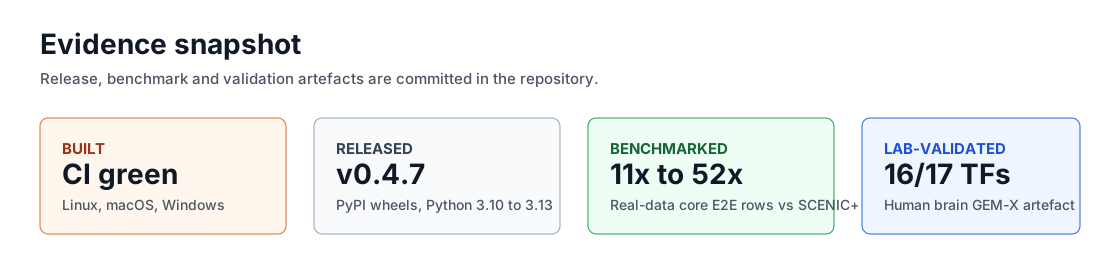
Evidence Snapshot
| Signal | Evidence |
|---|---|
| Built | Automated tests, installation checks and real-data validation workflows for the Rust and Python package. |
| Released | Current release v0.5.0; Python 3.10 to 3.13 release wheels plus source distribution. |
| Benchmarked | 11x to 52x faster than SCENIC+ for selected analysis stages on sampled real-data inputs, measured on one machine. |
| Scale tested | Gene-network inference on 1.3 million mouse-brain cells in under 47 minutes, at 4.28 GB peak analysis memory on 16 CPU cores. v0.5.0 candidate; preparation separately peaked at 71.49 GB. Scope and evidence. |
| Collaborator-tested | A Huang Lab human brain workflow recovered 16/17 expected brain transcription factors. This is a biological check, not proof of every inferred connection. |
Highlights
| Feature | Status |
|---|---|
| Tested real-data speedup | 11x to 52x vs SCENIC+ for selected stages on sampled data |
| Memory scaling | v0.5.0 candidate: about 81% less peak physical memory than arboreto in a controlled 20,000-cell comparison |
| Current release | v0.5.0 |
| Python support | 3.10 to 3.13 |
| Core install | pip install rustscenic |
| Runtime model | Runs on CPUs; Rust handles the intensive calculations |
| Core path dependencies avoided | Java, dask, CUDA, Snakemake |
| Evidence | Benchmarks and collaborator test records linked from this site |
Benchmark Snapshot
| Result | Value |
|---|---|
| Human brain GEM-X 2k total runtime | RustScenic 11.89 s; reference 150.36 s |
| Human brain GEM-X region-to-gene edge-set Jaccard | 1.000 |
| Human brain GEM-X region AUCell mean Pearson | 0.823 |
cisTarget AUC kernel agreement vs ctxcore.recovery.aucs |
Pearson 1.0000 |
The v0.5.0 benchmarks were measured on the release candidate. The million-cell run uses prepared RNA and 2,095 selected genes; it is not a complete spatial workflow.
The full benchmark matrix includes dataset shape, command path, hardware, runtime, memory and validation metrics. Start with Benchmarks.
Stage Coverage
| Stage | RustScenic API | SCENIC ecosystem stage covered |
|---|---|---|
| TF-to-gene GRN | rustscenic.grn.infer |
GRNBoost2-style regulatory-network inference |
| AUCell | rustscenic.aucell.score |
Per-cell regulon activity scoring |
| cisTarget | rustscenic.cistarget.enrich |
Motif enrichment and support filtering |
| Topics | rustscenic.topics.fit, fit_gibbs |
scATAC topic modelling |
| ATAC preprocessing | rustscenic.preproc |
Fragment matrix building and QC |
| Enhancer links | rustscenic.enhancer.link_peaks_to_genes |
Peak-to-gene linking |
| eRegulons | rustscenic.eregulon.build_eregulons |
Enhancer-linked regulon assembly |
| Orchestration | rustscenic.pipeline.run |
Staged workflow across RNA and multiome inputs |